

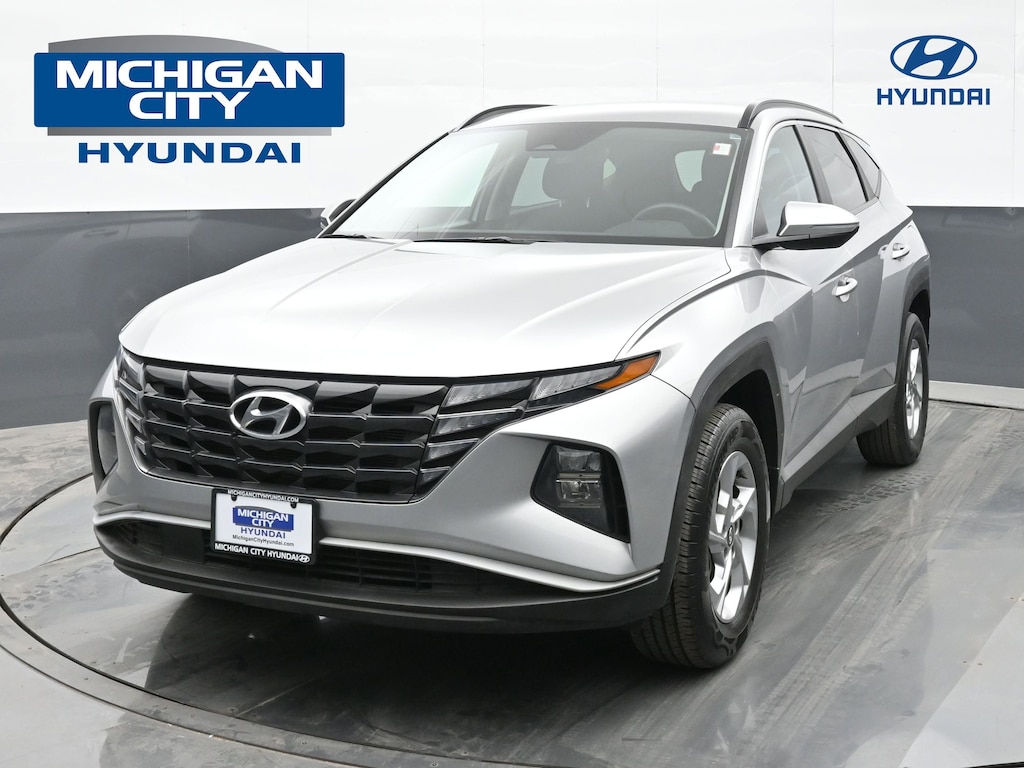
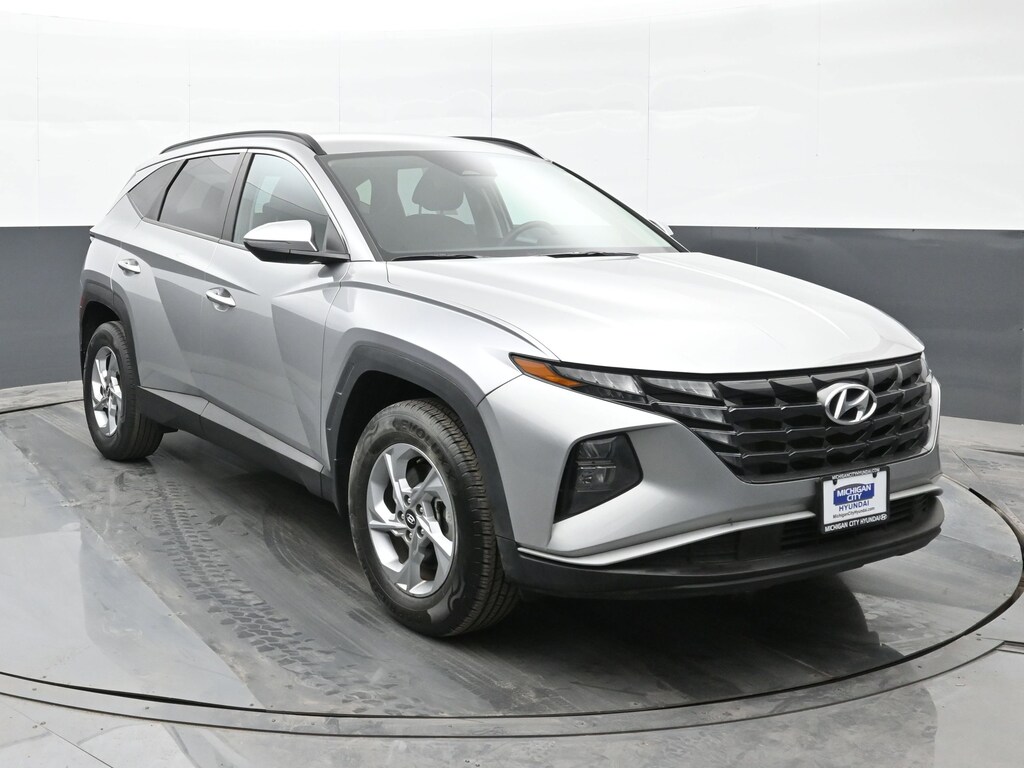




The 2022 Hyundai Tucson SEL AWD stands out in its class not only for comfort and style but for an intelligent and user-friendly suite of technology features that enhance connectivity, convenience, safety, and driving confidence. This section breaks those down in detail so you see exactly what this SUV offers.
1. Infotainment System
At the heart of the Tucsons tech experience is its 8-inch touchscreen display crisp, responsive, and logically arranged. Key points include:
⢠Intuitive Interface
Easy to navigate menus with clear icons
Quick access to audio, navigation inputs, phone pairing, and settings
⢠Smartphone Integration
Wireless Apple CarPlay
Seamlessly connects your iPhone without cables. Use familiar apps like Maps, Phone, Messages, Music, Podcasts, and more all directly from the touchscreen or steering wheel controls.
Wireless Android Auto
Android users enjoy the same wireless convenience for Google Maps, Messages, music apps, navigation, and voice commands.
Together, these features eliminate the need for cords and ensure safe, distraction-free connectivity on the go.
⢠Bluetooth & USB
Bluetooth hands-free calling and audio streaming
Multiple USB inputs for passenger device charging and wired media connection
These give passengers flexibility to plug in, stream, or stay connected throughout every trip.
2. Digital Instrument Cluster
The Tucsons digital driver display replaces older analog gauges with a modern, crystal-clear digital panel that shows:
Vehicle speed
Fuel level
Trip information
Navigation directions (if equipped)
Vehicle status notifications
Driver assistance alerts
This layout keeps crucial information at eye-level so you spend less time glancing away from the road.
3. Connected Services BlueLink
The Tucson includes Hyundais BlueLink connected car services, which bring advanced remote features via smartphone app:
Remote Capabilities
Remote start and stop warm up or cool down the vehicle before you get in
Lock/unlock doors remotely
Find my car / vehicle locator
Send navigation destinations from the phone to the vehicle
BlueLink adds a convenience layer that feels especially modern and practical in everyday use.
4. Driver-Assist Technology (Hyundai SmartSense)
The SEL trim features an extensive suite of driver-assistance technologies, enhancing safety and reducing driver workload:
Standard SmartSense Features
Forward Collision-Avoidance Assist (FCA)
Detects vehicles and pedestrians ahead and can apply brakes if needed.
Lane Keeping Assist (LKA) & Lane Following Assist (LFA)
Helps maintain lane position with steering and alert support.
Blind-Spot Collision Avoidance Assist (BCA)
Warns you if another vehicle enters your blind zone.
Rear Cross-Traffic Collision Assist (RCCA)
Aids when backing out of parking spaces.
Driver Attention Warning (DAW)
Monitors driver input and alerts if drowsiness or distraction patterns occur.
These technologies work together behind the scenes to keep you aware and supported without intruding on the driving experience.
5. Convenience Tech Features
Beyond the major systems, the SEL trim also includes:
Rearview camera with dynamic guidelines
Makes reversing and parking easier and safer
Push-button start & proximity key
Quick access and ignition without removing your key fob
Dual-zone automatic climate control
Lets driver and front passenger set individualized comfort temperatures
These are everyday conveniences that elevate the user experience.
6. Audio & Sound Experience
The standard audio system delivers clear, well-balanced sound for music, podcasts, calls, and directions. While not a high-end premium audio system, it pr